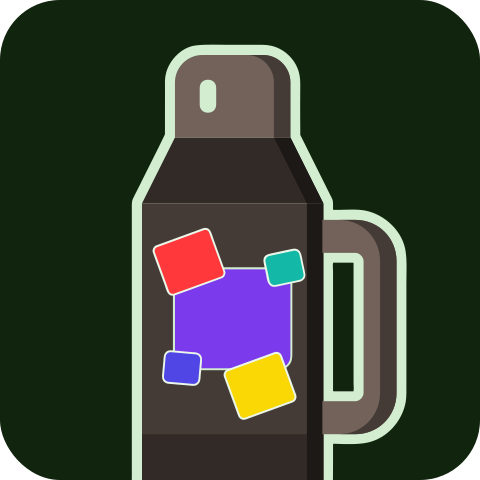
Pick your spot on the flask.
Tap it wherever you want, try your brand right there, and take it.
How to move the flask
- Swipe sideways with two fingers —or drag with the mouse— to spin it on its axis.
- Swipe up or down with two fingers to travel from the base to the lid.
- Pinch with two fingers to get closer and see the finish.
- Click on the flask: the green patch marks the exact spot your sticker will take.